
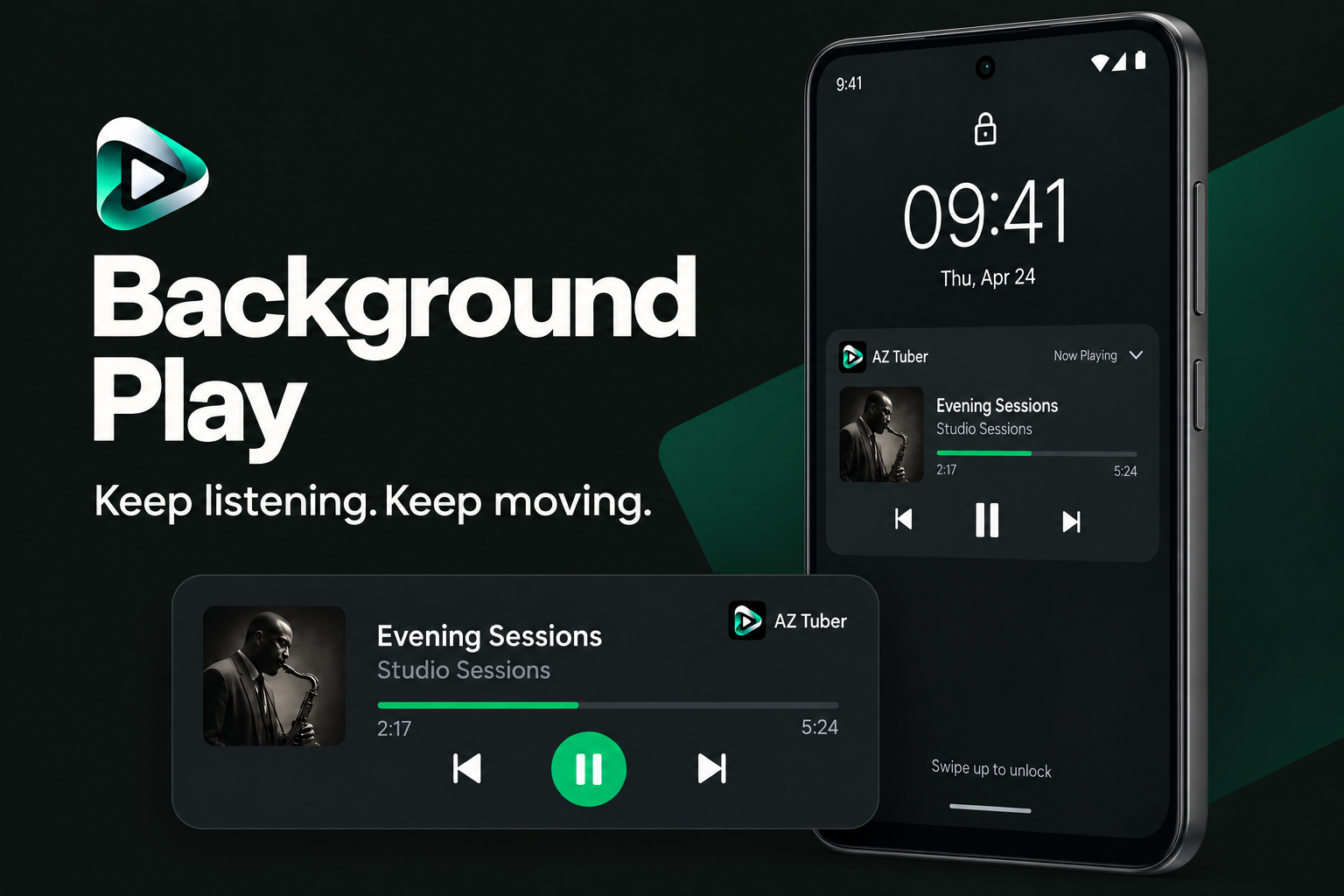
KEEP LISTENING
Music that stays with you.
Switch apps or lock your screen. Keep your audio playing, with playback controls close at hand.
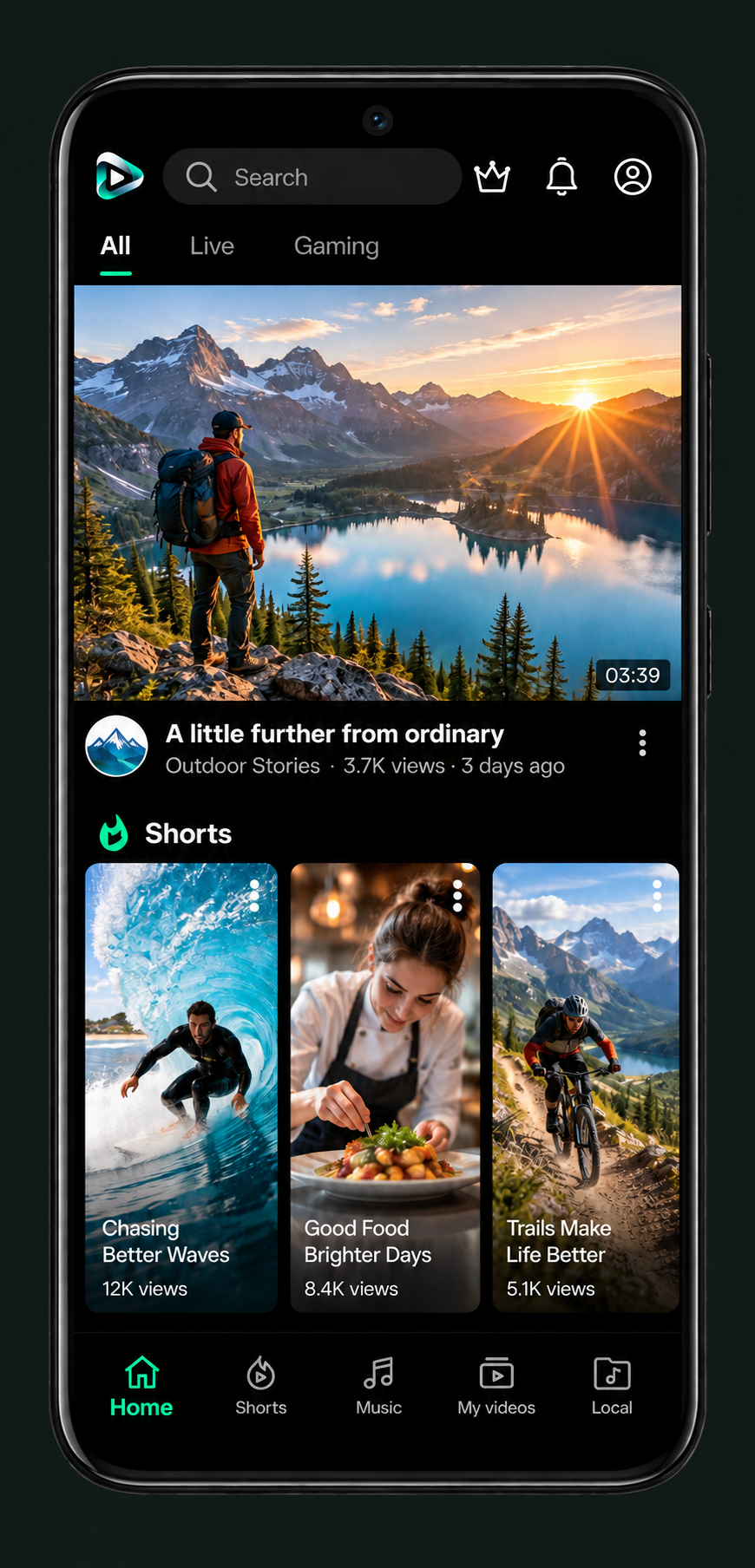
Discover your next favorite. Watch, listen and keep it all together with AZ Tuber.

One app. More ways to watch and listen.
Switch apps or lock your screen. Keep your audio playing, with playback controls close at hand.
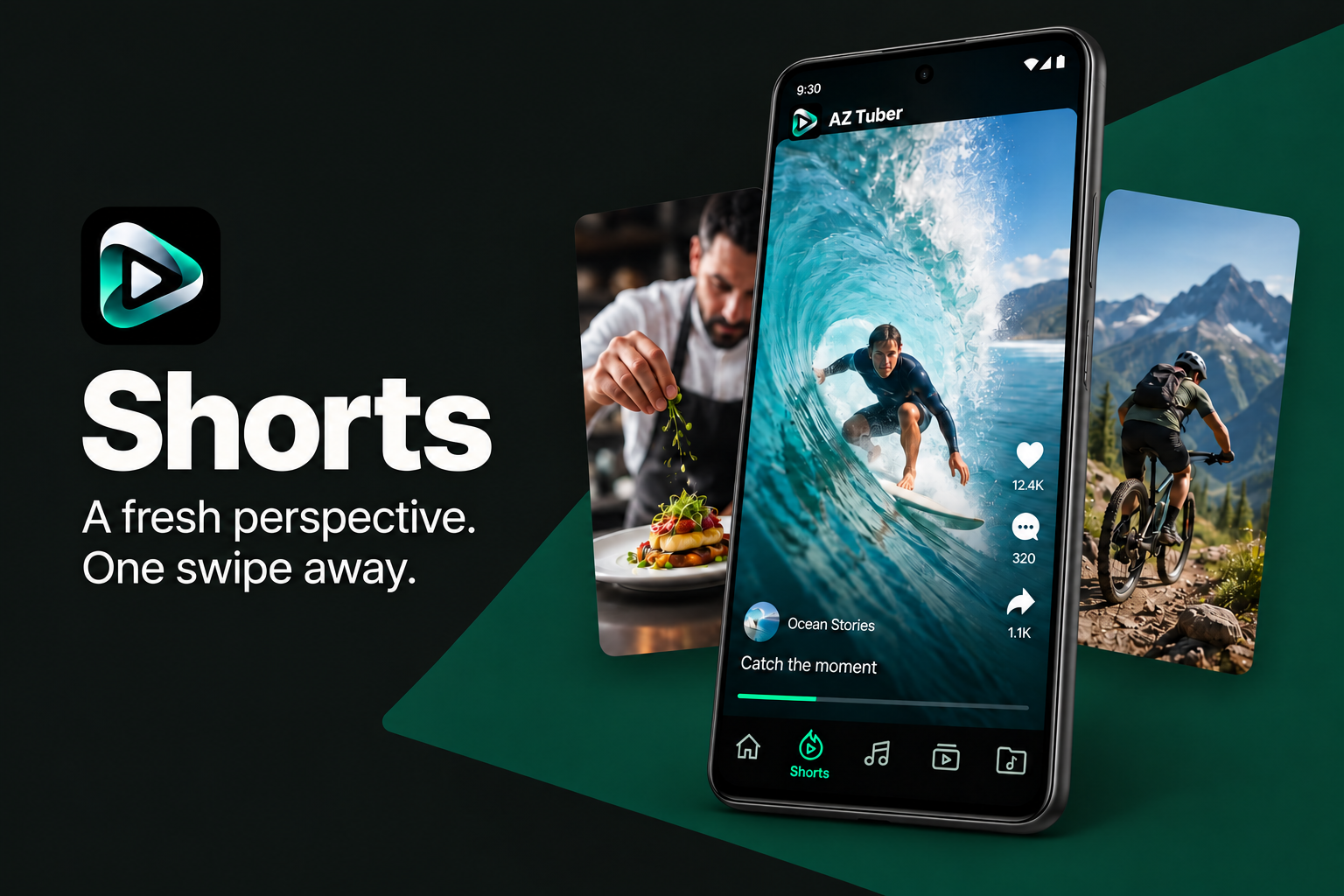
Explore short videos, follow creators and share the moments you want someone else to see.
AZ Tuber is developed for Android phones and tablets. Visit the download page for available distribution channels.
Every link contains the unique video ID. The title, thumbnail and player use this ID to open the same content.
Enable background playback in the app. Availability also depends on the content source and your device’s battery settings.
Available options depend on the video, its source and your connection. Automatically translated subtitles may contain errors.